
BPM Metronome – Free Online Beat Trainer & Tempo Tool
A free online metronome with adjustable BPM, custom time signatures, and clear visual beat cues — built for musicians, dancers, and music students.
Professional Online Metronome
✨ Professional metronome with customizable BPM, time signatures, and visual feedback 🎵 40-200+ BPM Range⏱️ Multiple Time Signatures🔊 Volume Control
Use Cases of Tap Tempo
See how a metronome supports practice and performance across every musical discipline.
Build a stronger sense of timing during instrument practice, vocal warm-ups, or any lesson exercise that calls for a steady beat.
Keep a consistent tempo while rehearsing routines, building new choreography, or preparing for a performance.
Keep everyone locked to the same tempo, so rehearsals translate into tighter, more confident live performances.
Use it as a click track reference to keep takes tight and timing consistent throughout a session.
Give students a simple way to feel timing and rhythm, not just hear it explained — a steady beat they can practice against.
Hold a steady pace through a workout, run, or aerobic routine by keeping your movement locked to a consistent beat.
What is an Online BPM Metronome
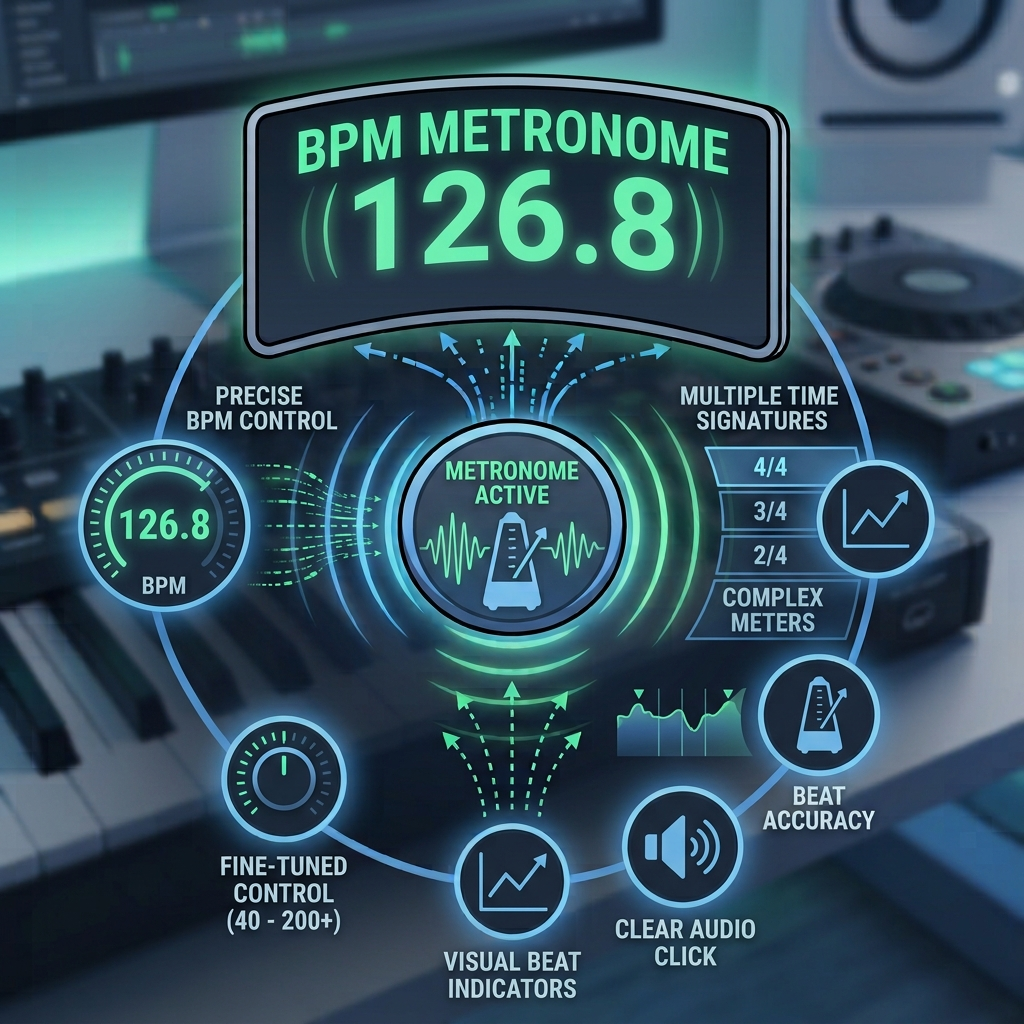
An online metronome is a simple digital tool that keeps a steady beat for you, right in your browser. Instead of winding up a mechanical device or downloading an app, you just set your tempo and it clicks along at exactly that pace. It’s one of the most useful tools for building solid timing, whether you’re learning an instrument, rehearsing with a band, or just trying to stay on beat during practice.
Precise BPM Control
Set your tempo anywhere from 40 up to 220 BPM, with fine adjustments so you can dial in the exact speed you need — whether that’s a slow warm-up or a fast, technical passage.
Multiple Time Signatures
Practice in 2/4, 3/4, 4/4, and beyond, including trickier meters like 5/4, 7/8, and 9/8 — useful once you’re ready to move past basic time signatures.
Clear Visual & Audio Cues
Every beat comes with both a click and a visual pulse, so you can follow along by ear, by eye, or both — handy for quiet practice spaces or noisy ones.
Why Choose Our Online BPM Metronome
A metronome built for musicians and educators who need it to just work, reliably.
Precise, Steady Timing
A clean, sharp click generated with scheduled precision timing — steady enough for practice, rehearsal, and recording reference.
Fully Customizable
Adjust the volume, pick a click tone, choose your time signature, and set up accent beats and subdivisions to match exactly how you practice.
Works on Any Device
Runs right in your browser on desktop, tablet, or phone — no downloads, no installs, just open and go.
Built for Real Practice
Accent beats and rhythmic subdivisions (eighth notes, triplets) give you the tools to work on more advanced timing, not just a basic click.
A quick note: I left out “sub-millisecond accuracy” and “tempo ramping,” since your tool doesn’t have either of those specifically — it uses scheduled Web Audio timing (which is genuinely solid and steady) and doesn’t currently ramp tempo up/down automatically. If you’d like, I can add a tempo ramp feature (gradually speeding up over time — useful for practice) to the actual plugin code, and then this copy would be accurate to include it.
How an Online BPM Metronome Works?
Behind a simple click is some precise timing math — here’s the process in four steps.
1. BPM Calculation
Your chosen tempo (beats per minute) gets converted into exact time gaps between each beat, down to the millisecond.
2. Audio Generation
A clean, sharp click sound is generated at those exact intervals, so every beat lands right on time.
3. Visual Sync
A visual beat indicator pulses in step with the audio, so you can follow the rhythm by sight as easily as by sound.
4. Real-Time Adjustments
Change the tempo mid-session and the beat updates instantly — no pause, no restart, no lost timing.
How to Use the Online BPM Metronome
Getting started takes just three simple steps.
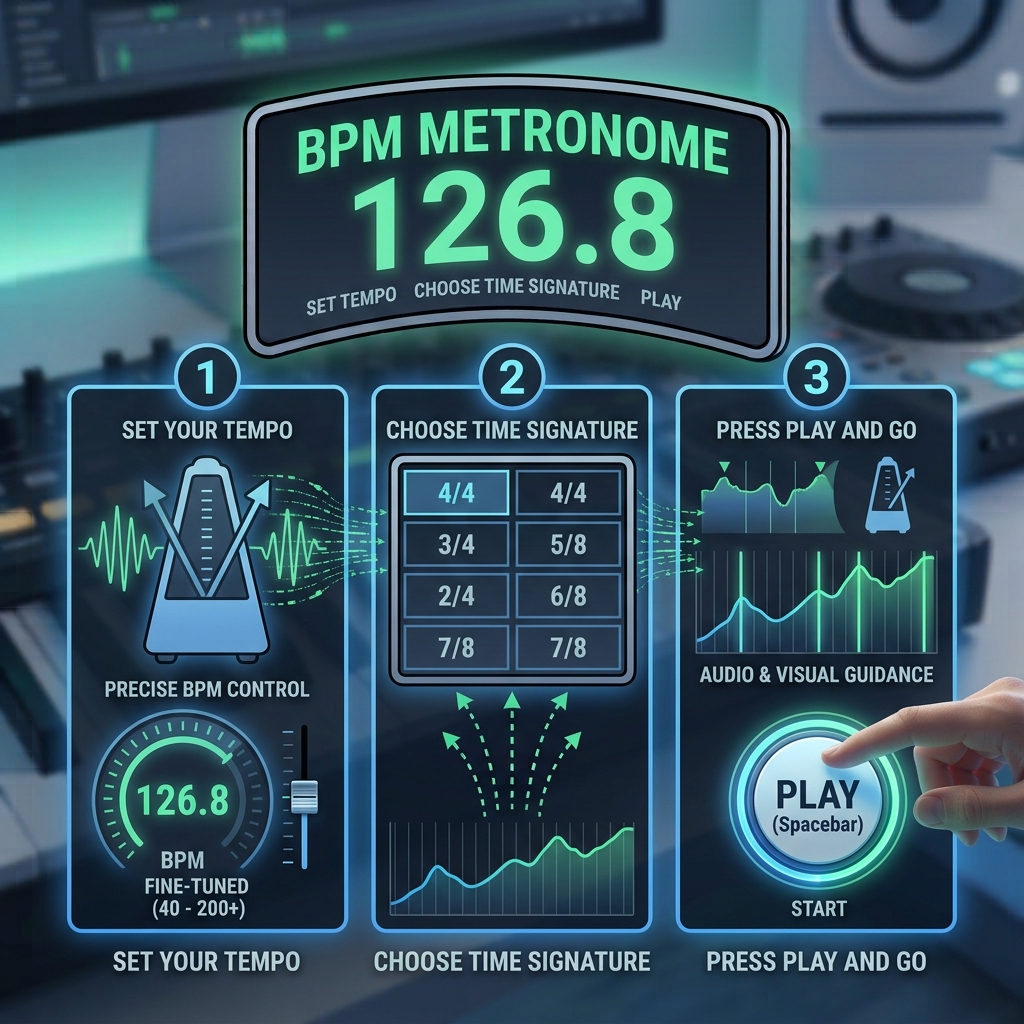
1. Set Your Tempo
Use the slider or the +/- buttons to dial in your BPM — anywhere from 40 for slow, careful practice up to 220 for fast, technical passages.
2. Choose Your Time Signature
Pick the time signature that matches what you’re playing — 4/4, 3/4, 2/4, or one of the less common meters like 6/8 or 7/8.
3. Press Play and Go
Hit start, and follow the click and the visual pulse to stay locked in — keep it running throughout your session for steady, consistent timing.
BPM Metronome Features
A metronome built with real practice in mind — accurate, flexible, and easy to use however you play.
Fine-tune your tempo anywhere from 40 to 220 BPM, so you’re never stuck between “too slow” and “too fast” for what you’re working on.
Covers all the standard meters — 4/4, 3/4, 2/4, 6/8 — plus less common ones like 5/4, 7/8, and 9/8 for more advanced rhythm training.
A clear visual pulse tracks every beat alongside the click, so you can stay locked in even in a noisy room or during silent practice.
Adjust the click volume to sit right alongside your instrument, without overpowering it or getting lost underneath it.
Highlight the first beat of every bar so you always know where you are in the measure — especially useful in trickier time signatures.
No downloads, no installs — it runs right in your browser on desktop, tablet, or phone.
Why Musicians Choose Our BPM Metronome
Built for precision and reliability that serious practice actually demands.
BPM Range
40-200+
Tempo Options
Timing Accuracy
± 1ms
Precision Level
Time Signatures
12+
Supported Meters
Frequently Asked Questions About the Online BPM Metronome
Still have a question? Feel free to reach out by email, or check our documentation for more details.
1. What BPM range does the metronome support?
It covers 40 to 220 BPM — from slow, deliberate practice tempos all the way up to fast, high-energy passages. That range covers the vast majority of practice needs, whatever style you play.
2. Does the metronome need an internet connection to run?
No — once the page has loaded, everything runs locally in your browser. You won’t need an ongoing connection to keep it clicking.
3. What time signatures can I use?
All the common ones — 4/4, 3/4, 2/4 — plus less typical meters like 5/4, 6/8, 7/8, 9/8, and 12/8, for when your practice moves beyond simple time.
4. Is the timing accurate enough for serious practice?
Yes. It uses precise, scheduled timing rather than simple on/off intervals, so the beat stays steady and consistent — reliable enough for rehearsal, recording reference, and teaching.
5. Can I change the volume and click sound?
Yes — adjust the volume with the built-in slider, and choose between three click tones (Classic, Wood block, Digital beep) to find what blends best with your instrument.
6. Does it work well on phones and tablets?
Yes, it’s built to work smoothly across desktop, tablet, and mobile — no app or install needed.
7. Can I follow the beat visually, without sound?
Yes — there’s a visual beat pulse that runs independently of the audio, which is great for silent practice or loud environments where the click might get drowned out.
8. Are there keyboard shortcuts?
Yes — press spacebar to start or stop, and use the up/down arrow keys to adjust tempo (hold Shift for bigger jumps of 10 BPM at a time). Handy when your hands are already busy with your instrument.
A quick note: I matched these answers to what your actual tool does (40–220 BPM, spacebar + arrow key shortcuts, three click tones) rather than copying the reference site’s claims — a couple of theirs (like “sub-millisecond accuracy” and “number keys for BPM entry”) aren’t things your current tool does, so I left those out to keep the FAQ accurate.

