
Tap Tempo – Free Online BPM Counter & Rhythm Analyzer
Tap along to any song or rhythm using this Tap Tempo BPM counter and get an accurate tempo reading in real time — no counting, no guesswork, just tap and see the number instantly.
BPM Finder Tool
Analyze the beats per minute (BPM) of your audio files instantly
Use Cases of Tap Tempo
See how this tool fits into real workflows across music, fitness, and teaching.
Quickly work out the tempo of an unfamiliar track mid-set, so you can transition between songs without breaking the energy on the dance floor.
Check a song’s tempo on the fly during rehearsal or a live set, without stopping the music or breaking the group’s flow.
Keep track of pace in real time during a class, and adjust the tempo as needed to match the energy of the workout or routine.
Get a fast tempo reading from a live jam, a rough recording, or a reference track before building a project around it.
Read the room and check a requested song’s tempo instantly, so you can keep the crowd moving without any awkward pauses.
Help students build a feel for tempo and rhythm through hands-on tapping, rather than just talking about beats in the abstract.
Also see BPM Metronome – Free Online Beat Trainer & Tempo Tool.
What is Tap Tempo
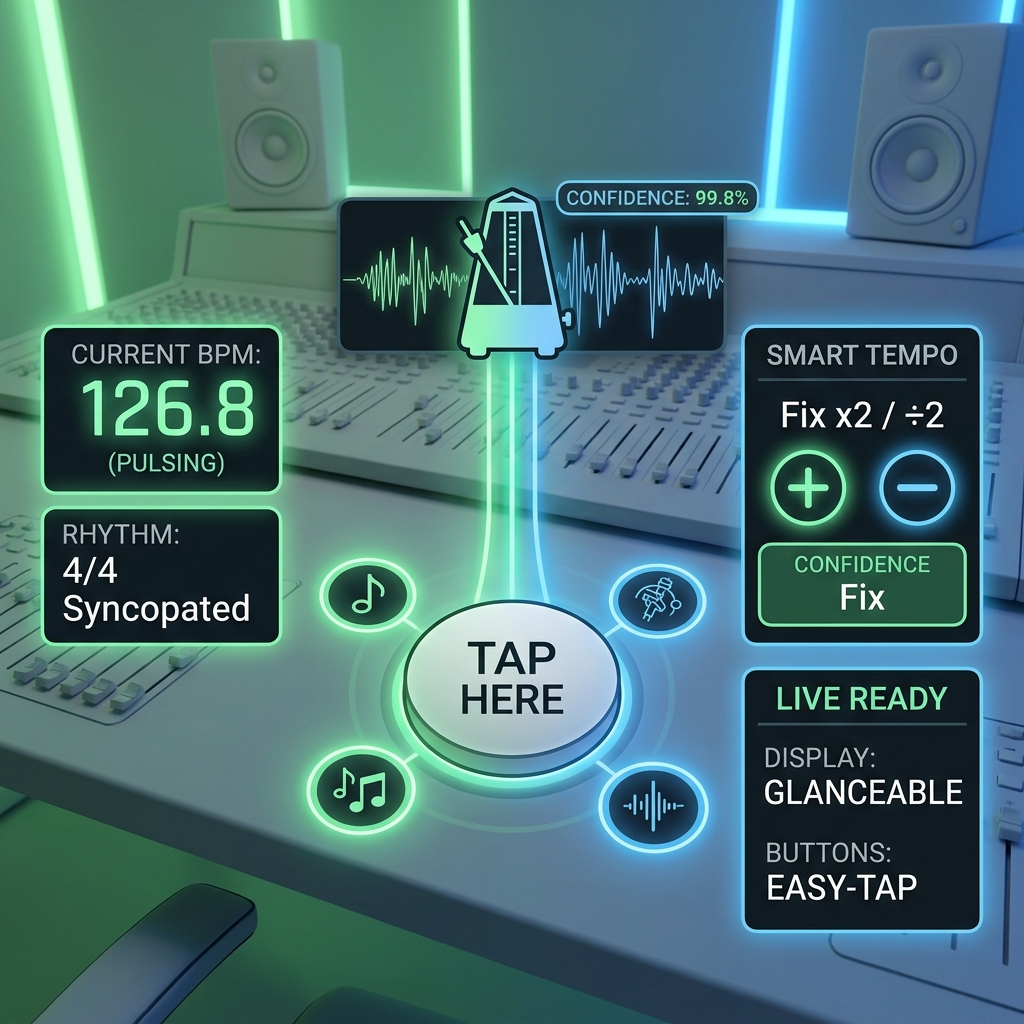
Tap Tempo is a simple tool that finds a song’s tempo based on how you tap along to it. Just tap in time with the beat, and it works out the BPM for you — instantly and accurately. It’s especially handy in live situations, like on stage or in rehearsal, where you need a tempo reading right away, with no time to fuss with settings.
Real-Time BPM Detection
Tap along to any beat and get your BPM the moment you’re done — accurate, fast, and easy to read.
Smart Tempo Analysis
Sometimes a tempo reading can come out at half or double the real speed. This tool catches that and offers a quick x2 or ÷2 fix, so you always land on the right number.
Built for Live Use
Big, easy-to-tap buttons and a clear, glanceable display make this a tool you can actually use on stage or in a rush — no squinting, no fumbling.
Same note as before — “Tuning Into Radio” doesn’t seem to connect to this Tap Tempo content. Is that a separate section heading you want written, or should I drop it? Let me know what it’s meant to cover and I’ll write that part too.
How Tap Tempo Works?
A simple four-step process turns your taps into an accurate tempo reading.
1. Tap Detection
Every tap you make is captured the instant it happens, so the timing stays precise from the very first tap.
2. Interval Calculation
The tool measures the gap between each tap, building a picture of your rhythm as you go.
3. Tempo Averaging
Instead of relying on just one or two taps, it averages the intervals together — smoothing out small timing mistakes so one off-beat tap doesn’t throw off the whole reading.
4. BPM Display
Those averaged intervals are converted into a clear BPM number you can read at a glance.
How to Use Tap Tempo
It only takes three simple steps to find a beat’s tempo:
1. Start Tapping
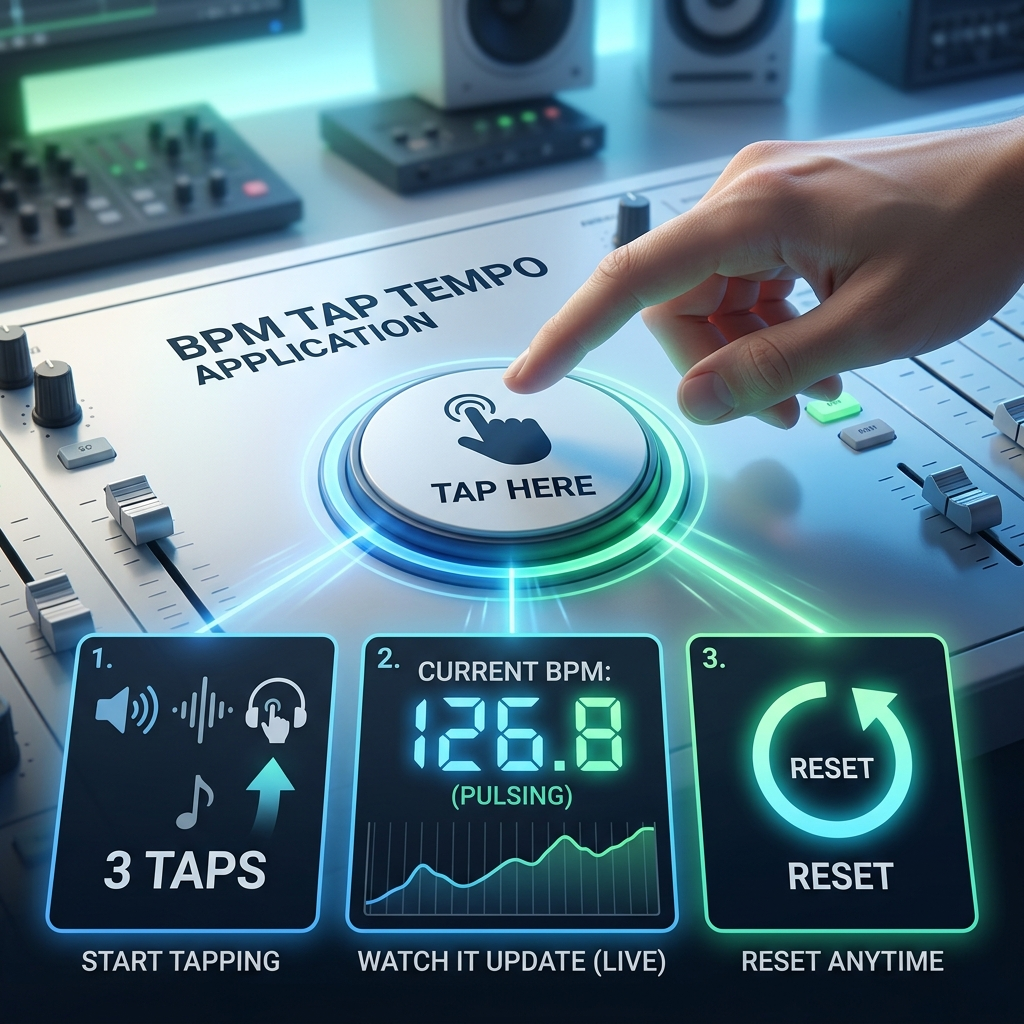
Click the large tap button, or press the spacebar, in time with the music. After just 3 taps, you’ll see a BPM reading — and it keeps getting more accurate with every tap after that.
2. Watch It Update
The BPM updates live as you tap, so you can see the number settle in real time. The steadier your tapping, the more reliable the reading.
3. Reset Anytime
Made a mistake, or want to try a different section of the song? Hit reset and start fresh whenever you like.
Tap Tempo Features
Tap along and watch your BPM update instantly, with each tap making the reading more accurate.
Some rhythms can read as half or double the true tempo. This tool catches that and offers a quick x2 or ÷2 fix, so you land on the right number every time.
Large, easy-to-hit tap targets, a spacebar shortcut for hands-free tapping, and a clean display that stays readable even under stage lighting.
A confidence score shows you how reliable your current BPM reading is — so you know when it’s steady enough to rely on.
Keeps track of your taps and tempo results during your session, so you can compare readings or come back to an earlier one.
Works right in your browser — no audio files, no internet connection required once loaded, and nothing to install.
Why Choose Tap Tempo
The fastest, most reliable way to find a tempo — built for real performance conditions, not just casual use.
Instant Response
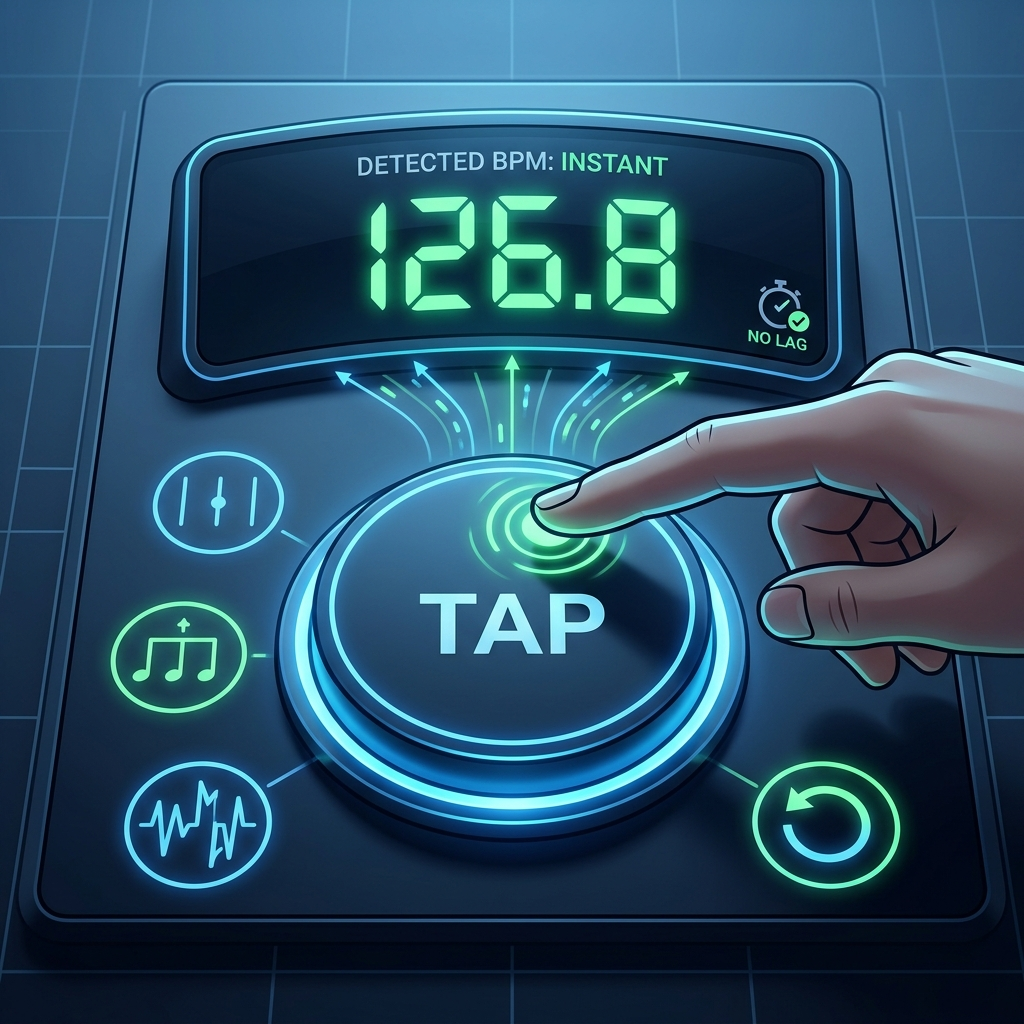
Tap detection is fast and precise, giving you an immediate BPM reading with no lag — ideal when you need an answer right now, mid-performance.
Accurate Results
Tempo averaging smooths out small timing variations in your tapping, so you get a precise, dependable BPM reading rather than one thrown off by a single mistimed tap.
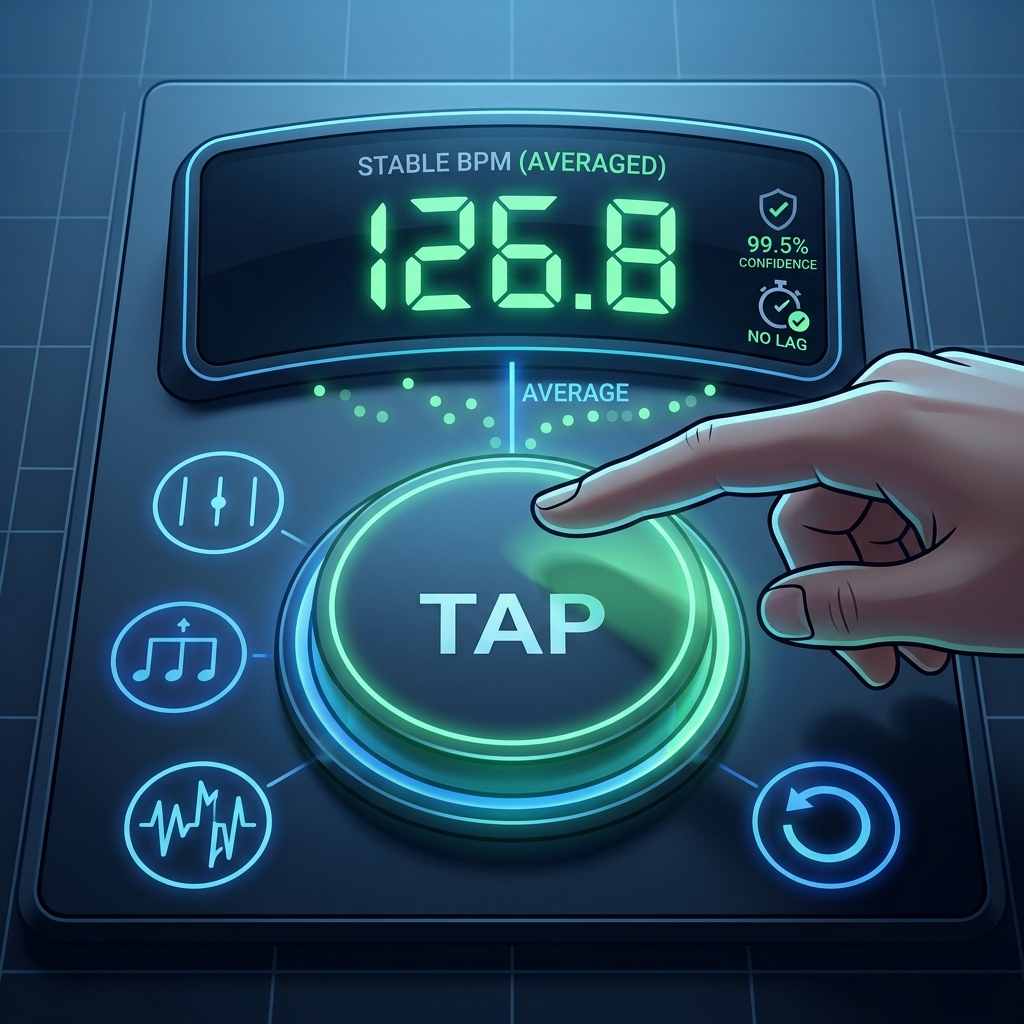
Built for the Stage
Large tap targets, clear visual feedback, and a spacebar shortcut make this easy to use under stage lighting or when your hands are busy.
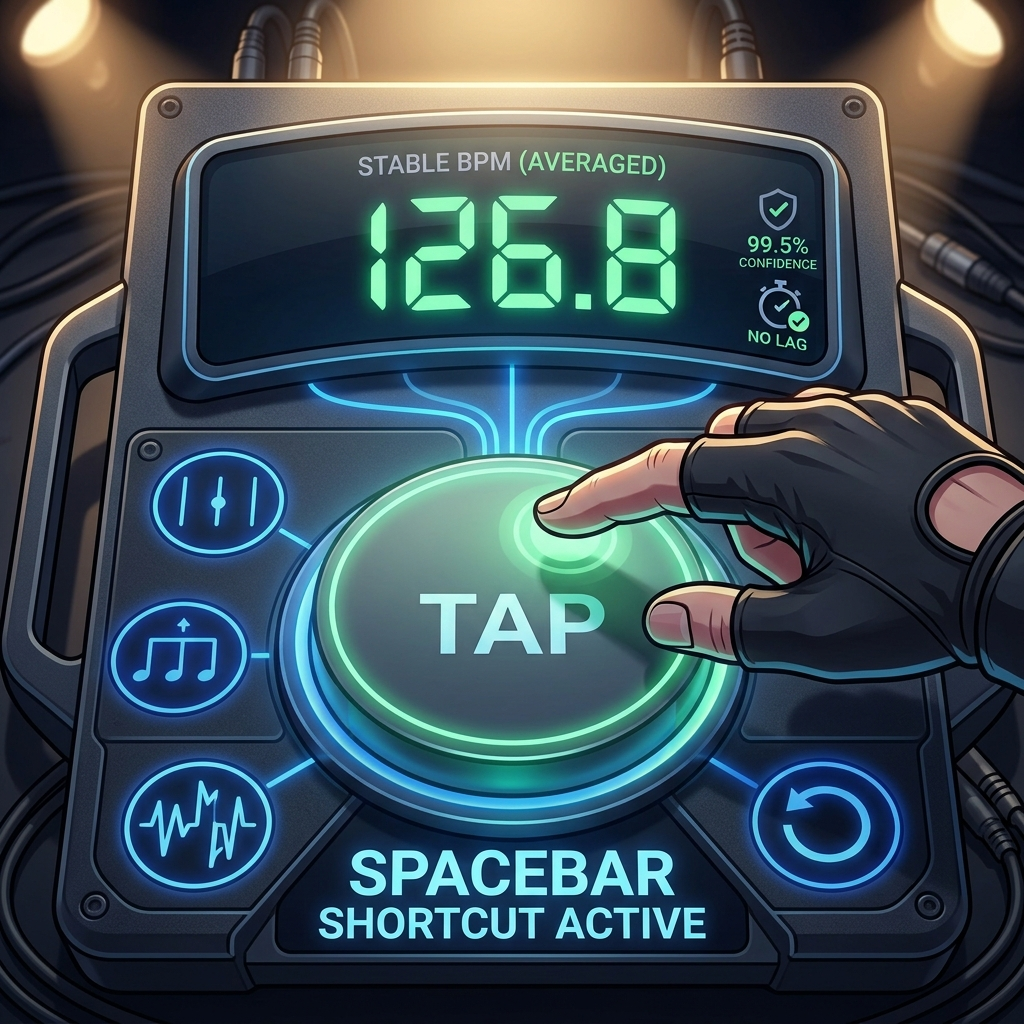
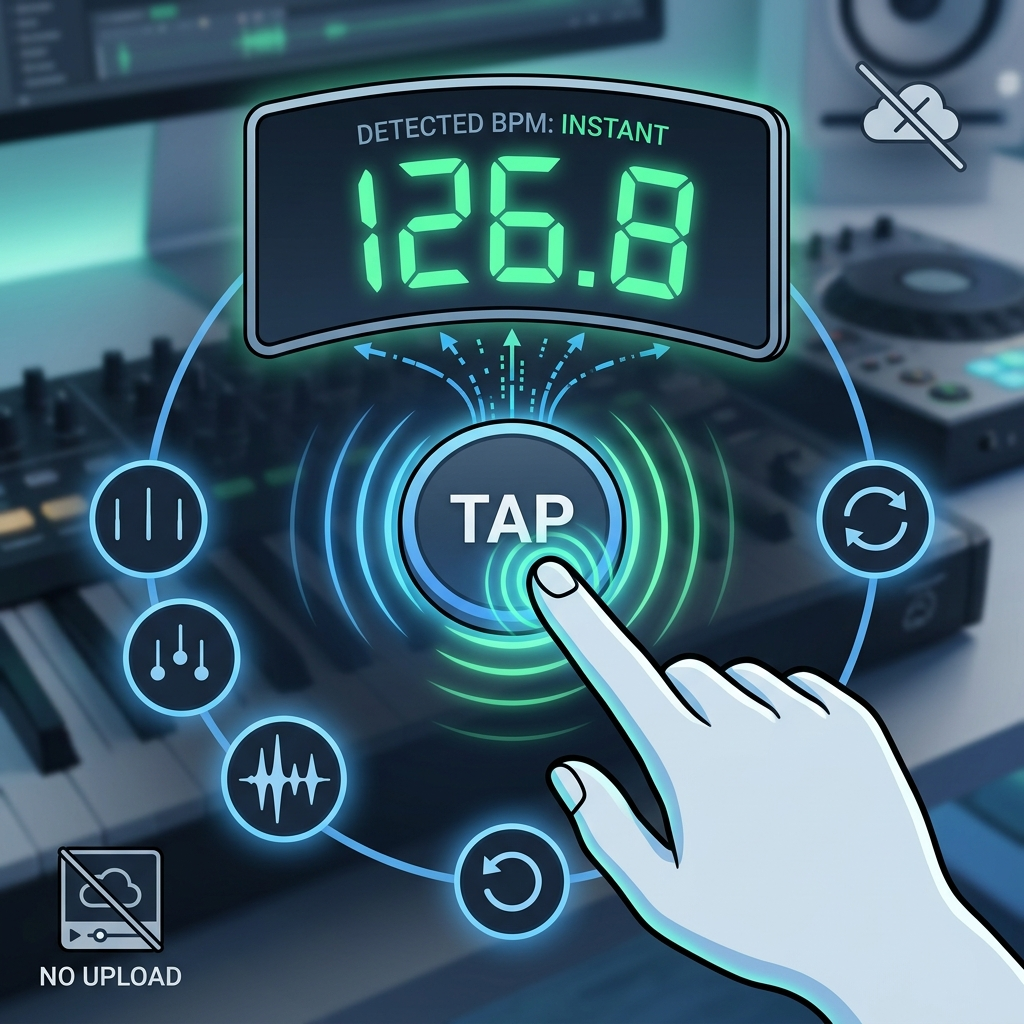
No Audio File Needed
You don’t need to upload or play any audio — just tap along to whatever rhythm you’re hearing, live or in your head, and get a BPM reading.
Why Music Professionals Trust This Tap Tempo?
Industry-leading tap tempo detection with real-time accuracy.
Detection Accuracy
99%
BPM Precision
Response Time
<10 ms
Tap Latency
Minimum Taps
3
For BPM Resuls
Tap Tempo on Guitar Pedals
You’ll also hear “tap tempo” used for a feature on guitar pedals. Tapping your foot on a delay, reverb, tremolo, or modulation pedal sets the effect to match the song’s speed. Same idea as tapping with your finger — just done with your foot instead.
This is especially handy live, where a drummer might speed up or slow down without meaning to, or a song changes tempo partway through. Being able to tap again on the spot lets a guitarist get their pedal back in sync fast, without stopping to turn a dial.
Who Uses This Tap Tempo Tool?
A BPM counter is handy for more than just musicians. Here’s who typically reaches for one:
- Songwriters & producers — lock in a track’s tempo before building out a beat, or match a sample to your session’s BPM.
- DJs — quickly check a song’s tempo for beatmatching and smoother transitions between tracks.
- Musicians & music teachers — set an accurate practice tempo instead of estimating “medium fast.”
- Fitness & wellness use — some people use a tap tool casually to get a rough pulse or rhythm count.
- Anyone curious about tempo — put an exact number on a rhythm you’re hearing, humming, or tapping out.
Frequently Asked Questions About Tap Tempo
Still have a question about the tool? Feel free to reach out by email, or check our documentation for more details.
1. How accurate is the Tap Tempo detection?
It’s very accurate as long as your tapping stays steady. The tool smooths out small timing slips and gives you a reliable reading. For the best result, tap along for at least 8–10 beats with a consistent rhythm.
2. What’s the minimum number of taps needed?
You’ll get a BPM reading after just 3 taps, but the more you tap, the more accurate it gets. For a solid reading, aim for 6–8 taps — and 10 or more if you want it as precise as possible.
3. Can I use the keyboard instead of clicking?
Yes — just press the spacebar in time with the beat instead of clicking the button. It’s a lot easier for live use, when reaching for a mouse isn’t practical.
4. What if the BPM looks like it’s half or double the real tempo?
That can happen with rhythms that are easy to tap on different beats. Use the x2 or ÷2 button to correct it instantly.
5. Does Tap Tempo need an internet connection to work?
No — once the page has loaded, tapping and BPM detection happen entirely in your browser, with no ongoing connection needed.
6. How do I start over if I make a mistake?
Just hit Reset. It clears your previous taps so you can start fresh — handy if you want to measure a different song or your rhythm got thrown off.
7. Is there a limit to how fast or slow I can tap?
The tool covers the tempo range used in most music, from slow ballads to fast dance tracks.
8. Why do I need to tap more than once or twice?
A single tap gives no timing information at all — you need at least two taps to measure a gap, and even then, one gap could be thrown off by a slightly early or late tap. Tapping for 6–8 beats or more lets the tool average out that noise, which is why longer tapping sessions give noticeably more accurate results than a couple of quick taps.

